In-Page Anchor Link

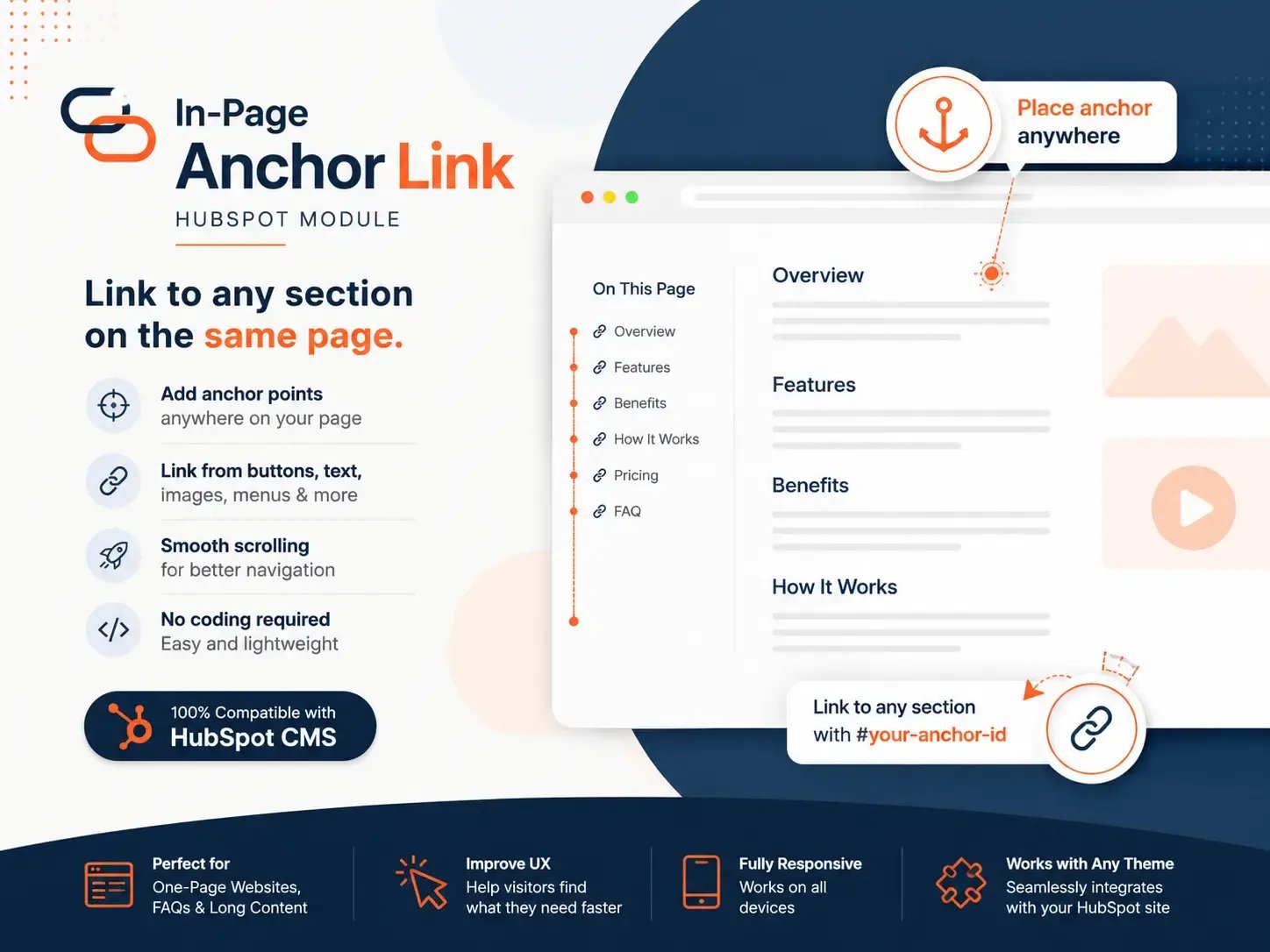
Link to any section on the same Page.

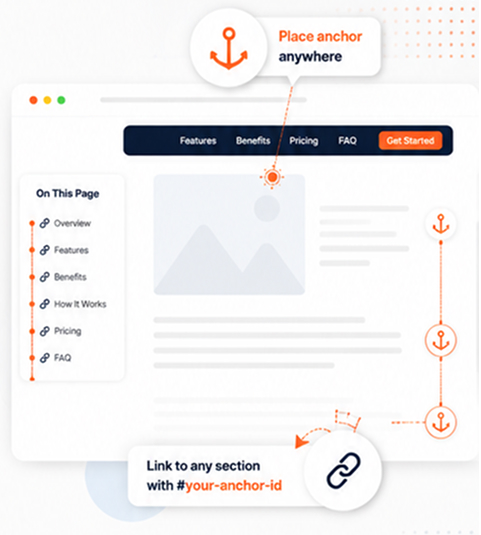
Add anchor points anywhere on your HubSpot pages and link to them from buttons, text, images, menus, or any element that supports a URL.

ipal-hero-img
in-page-anchor-link-module

Everything you need for seamless in-page navigation

Check out how it works or go to the top.

arrow-down

How it Works

1. Add module

Drag and drop the module where you want visitors to land and give it a name.

2. Link it to

Use #your-anchor-id in the URL field of any button, text link, image, or menu item.

3. Click

Visitors click the link and the page smoothly scrolls to that section.

4. Done!

Better navigation, happier visitors, and more engagement
arrow-down
go-to-top